TDM-D240 24" Rugged Display for Defense

TDM-D240

TDM-D240

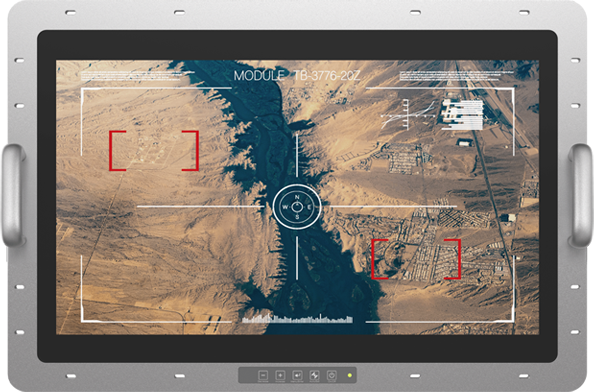
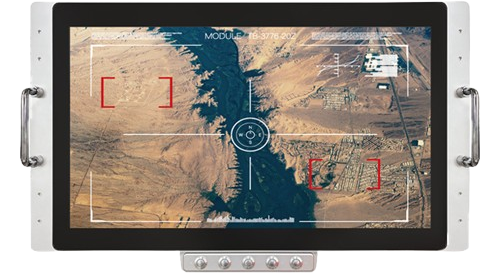
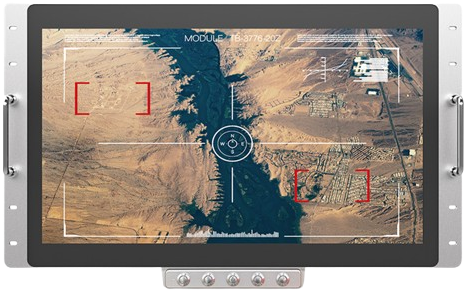
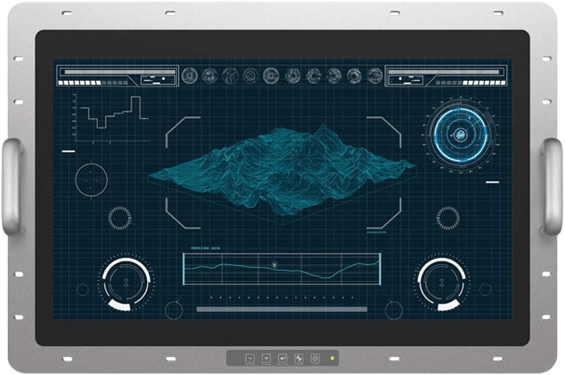
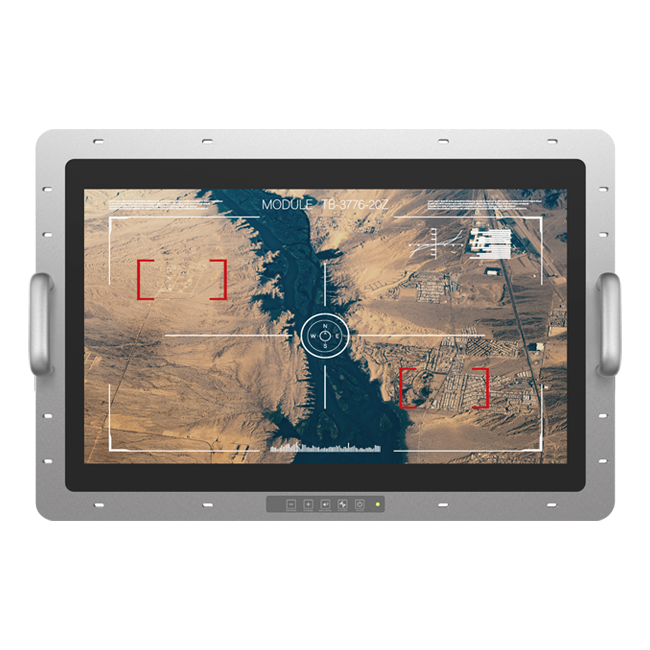
The TDM-D240 Series is a mission-critical 24-inch rugged monitor engineered specifically for harsh military and industrial environments. Certified to MIL-STD-704F, MIL-STD-1275E, MIL-STD-461G, and MIL-STD-810H standards. Designed for shipboard CIC, bridge consoles, shore-based C2, aircraft maintenance hangar, and USV/UGV front-line vehicle computers and C5ISR operations, offering high performance optics with military-grade durability.

Product Highlights - Advantages and Benefits
  • Superior Optical Performance: Features a 24" 1920 x 1080 FHD LCD with 1500 nits high brightness, Anti-Glare (AG) treatment and optical bonding to optimize outdoor readability.
  • Military-Grade Certification: Certified to MIL-STD-704F, MIL-STD-1275E, and MIL-STD-461G for EMC/EMI compliance, as well as MIL-STD-810H for shock and vibration resilience.
  • Extreme Environment Reliability: Supporting a wide temperature range from -40°C to 70°C.
  • Enhanced Durability and Resistance: The full metal chassis and tempered cover glass provides superior mechanical strength, offering exceptional protection against physical damage, high-impact forces, and heavy vibrations common in industrial settings.
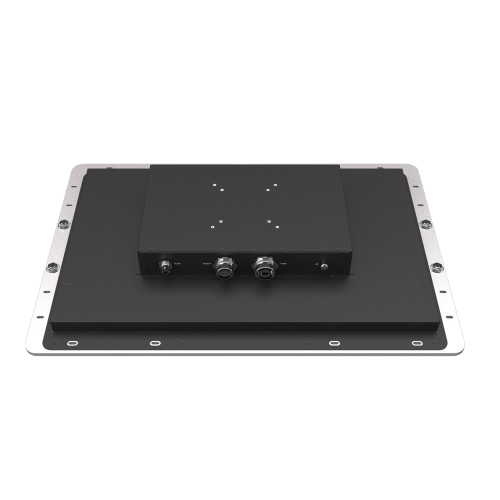
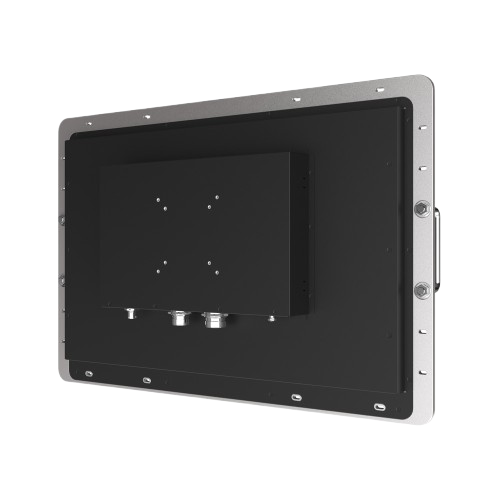
  • Secure Connectivity: D38999/D26482 military connectors for all I/Os. Prevent accidental cable disconnection.
  • Rapid Deployment: Flexible installation design.
  • Stable Supply: 10-year longevity support and proactive notification of EOL.
  • OSD Hot Key: The OSD features function keys, including power on/off and brightness adjustment, to meet application needs.
LCD
Max. Resolution1920*1080
Contrast Ratio5000 : 1
Max. Color16.7 M
Luminance (cd/m2)1500 nits
View Angle89/89/89/89
TouchUSB, P-cap with Anti-Glare cover glass
I/O Connect
External I/O Port
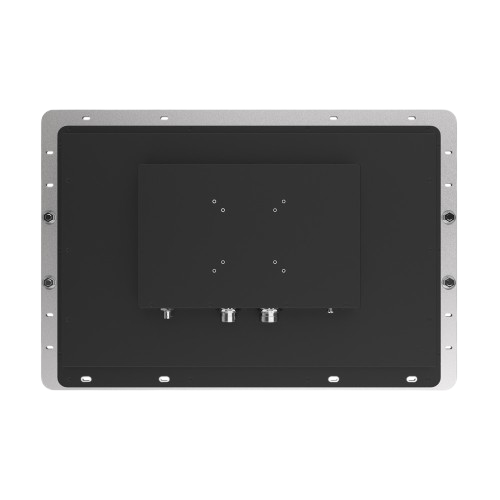
  • • 1 x HDMI by D38999 Connector
  • • 1 x USB (for Touch function) by D38999 Connector
  • • 1 x DC Power Input by D26482/MS3114E8 Connector
  • • 1 x GND Screw for safety grounding
Power Requirement
Power InputDC 9~36V wide range power input, Typical 28Vdc/3.21A, 90W
Power SupplyUniversal AC/DC 90W power adapter with D26482/MS3116F8-4S connector (for testing purpose only)
Environment
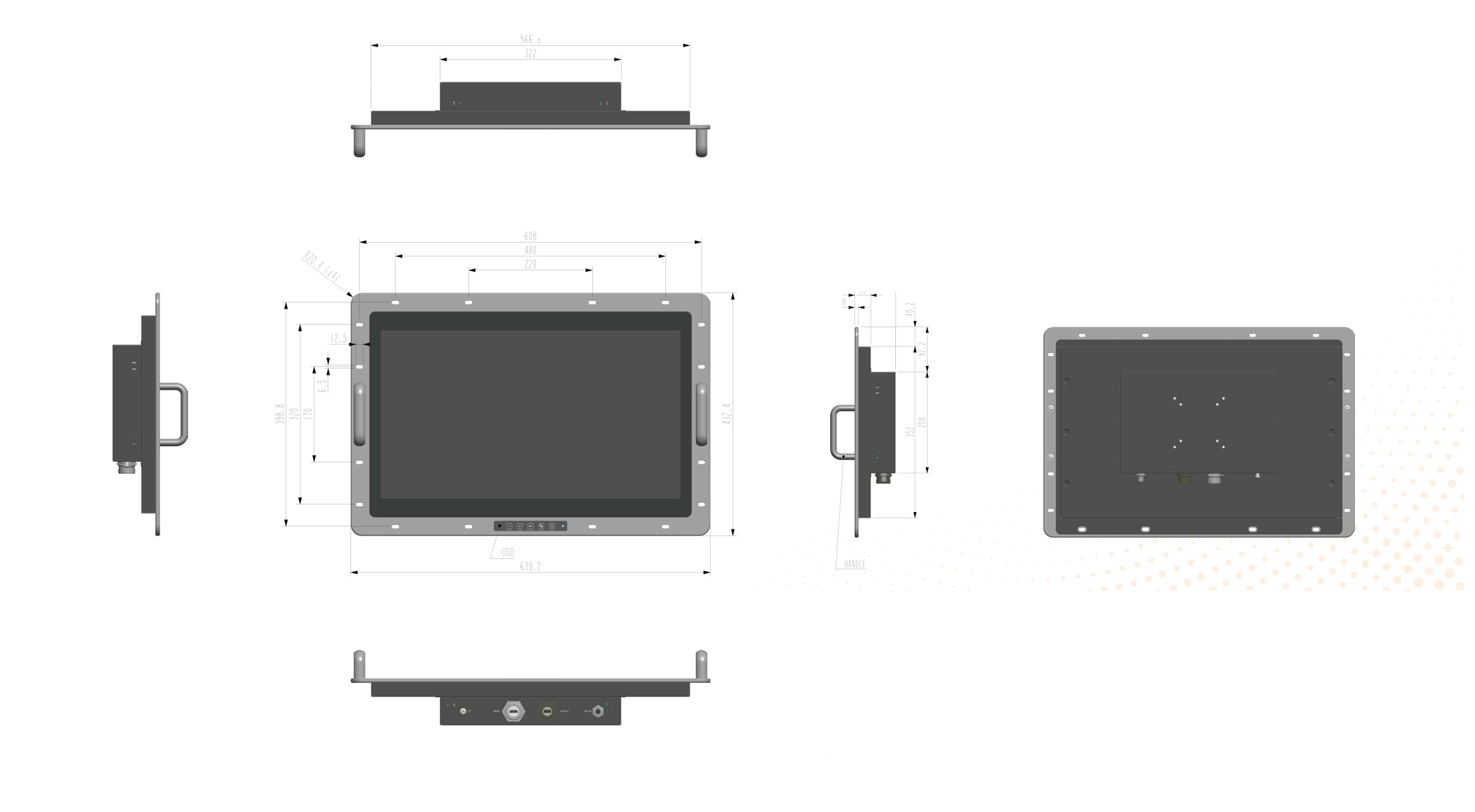
Dimension639.2 x 432.4 x 84mm (not including handle)
MountingFlush Mount
Certification EMC
  • • MIL-STD-461G Certified (CE101/CE102/RE101/RE102)
  • • MIL-STD-1275E Certified
  • • MIL-STD-704F Certified
  • • FCC / CE Class A Certification
Vibration
  • • MIL-STD-810H, Method 514.8, Procedure I, 5~500Hz Certified
  • • IEC-60068-2-64, 1.5 Grms @10~500Hz Certified
Shock
  • • MIL-STD-810H, Method 516.8 Procedure I, 20g 11ms Certified
Operating Temp-40~70 °C, Cold Start
Storage Temp-40~70°C
Humidity10~95% @40 °C, non-condensing
Mechanical
ConstructionAluminum Bezel and Metal case
IP RatingIP65 Front Side
Standard Accessory
1x HDMI CableD38999 HDMI Type A Male to Standard HDMI Type A Male, Length = 1.5m
1x USB CableD38999 USB Type A Male to Standard USB Type A Male, Length = 1.5m
1x Power CableMS3116F8-4S Connector to Wire with Terminal, Length = 30cm
1x AC/DC Power AdapterUniversal AC input, 24Vdc output, 90W, MS3116F8-4S connector, DC cable length 1.2m (for test purposes only)
1x AC Power CordAC Power Cord: One regional standard included, selected based on customer request.
1x Quick GuidePlease Read This Quick Guide Carefully Before Get Started
Weight (Approx.)
Net WeightTDM-D240 Monitor : 9 kg
Standard Accessories
  • HDMI Cable with D38999 Connector : 120 g
  • USB Touch Cable with D38999 Connector : 100 g
  • DC Input Cable (300 mm) with D38999 Connector : 50 g
  • AC/DC Power Adapter : 580 g
(Included for bench testing and evaluation; final system integration typically uses customer DC power source.)

Dimension & I/O Connector

Ordering Information
TDM-D240 24" Defense Monitor, 1500nits, Console Mount, IP65 Aluminum Front Bezel, Mosmite Film, AG, VGA/DP/HDMI, DC 9~36V, MIL-STD-461G (CE101/CE102/RE101/RE102) & 1275E Certificated

Can't find what you're looking for? Need help?

For assistance, please scroll to the bottom of our official website homepage or click "Contact" to open the contact form. Fill in your details and message, and our team will get back to you promptly.

Get Support